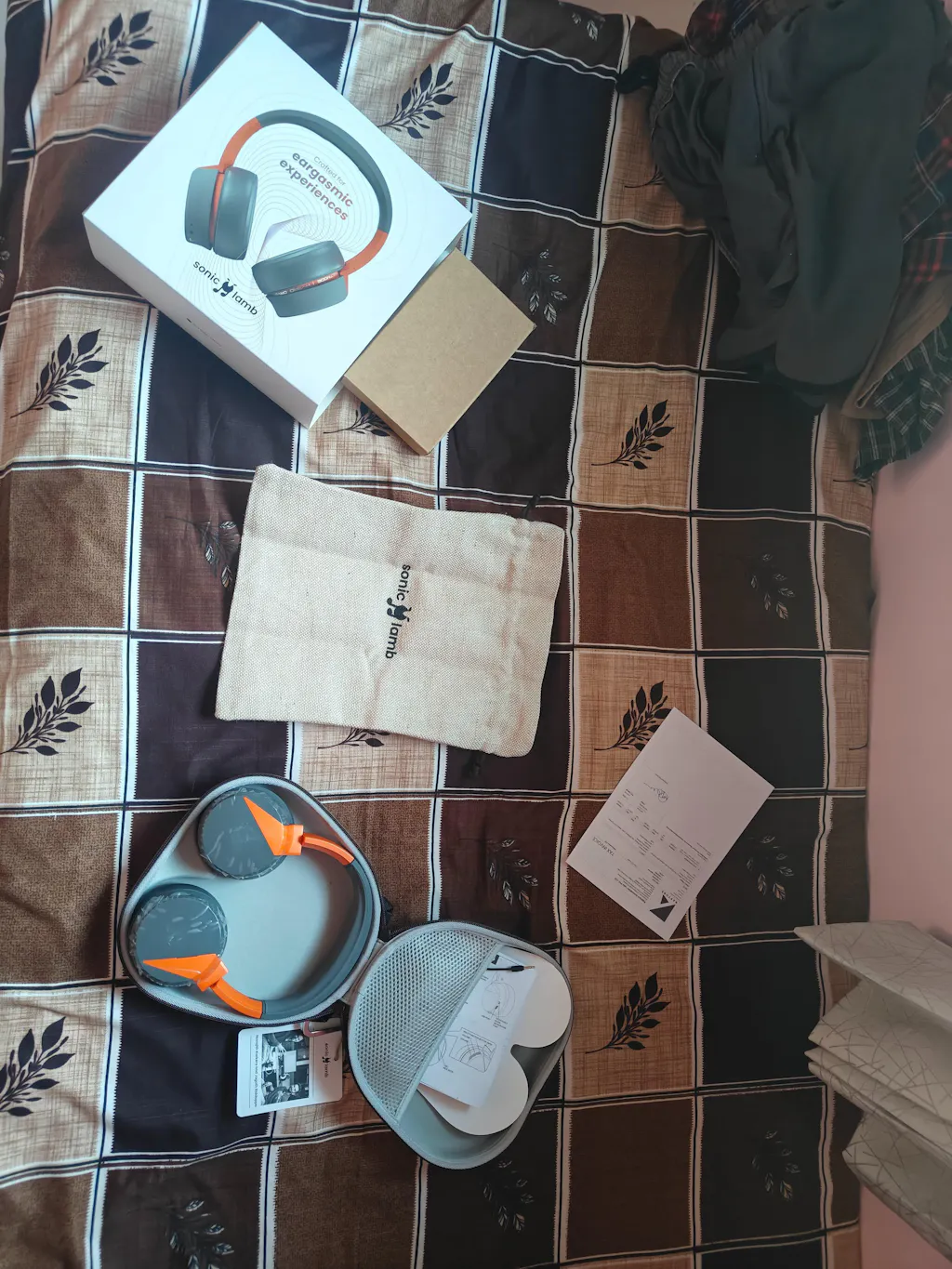
How to Factory Reset Sonic Lamb Headphones
A factory reset helps resolve issues like connection problems, pairing errors, or unresponsive behavior.
If your Sonic Lamb headphones are not connecting, a quick reset usually fixes the issue.
Steps to Factory Reset:
- Turn ON the headphones
-
Press and hold the Volume + and Volume – buttons together until you hear a tone
- The headphones will enter pairing mode
- The orange and white LEDs will start blinking alternately
- Once in pairing mode, press and hold all three buttons (Power, Volume +, Volume –) together
-
Keep holding until you hear 5 quick beep sounds
- This confirms the headphones have been reset to factory settings
- After resetting, you will need to pair your headphones again
How to Pair Sonic Lamb Headphones
Follow these steps to connect your Sonic Lamb headphones to your device:
Steps to Pair:
- Turn ON the headphones
-
Press and hold the Power button
- The orange and white LEDs will blink alternately, indicating pairing mode
- Open Bluetooth settings on your phone, tablet, or laptop
- Select “Sonic Lamb” from the available devices
- Once connected, you’re ready to go
Troubleshooting Tips
- Make sure the headphones are in pairing mode (blinking LEDs)
- Keep your device close to the headphones
- If the device doesn’t connect, try a factory reset and pair again
- Ensure your device’s Bluetooth is turned ON
Final Note
Sonic Lamb is designed to give you a seamless and immersive listening experience. Once connected, explore different modes and enjoy music the way it’s meant to be — not just heard, but felt.
FAQs
Why are my Sonic Lamb headphones not connecting?
- Headphones not in pairing mode
- Bluetooth turned OFF on your device
- Device too far from headphones
- Previous pairing conflicts
Try a factory reset and reconnect to fix the issue.
What do the blinking orange and white LEDs mean?
Blinking orange and white LEDs indicate that the headphones are in pairing mode and ready to connect to a device.
Do I need to pair again after a factory reset?
Yes, after a factory reset, all previous connections are cleared. You will need to pair your Sonic Lamb headphones again.
What should I do if pairing still fails after reset?
- Ensure Bluetooth is enabled on your device
- Keep the device close to the headphones
- Restart your device
- Repeat the factory reset process